
Top
Search
People also search for:

Stay Inspired with Instagram




Application modernization rarely fails because a company chose the wrong cloud provider or programming language.
More often, the project runs into problems that were visible much earlier but not properly addressed: undocumented dependencies, unclear business goals, weak data planning, unrealistic deadlines, or no clear owner after launch. The difficult part is that these challenges do not arise simultaneously.
Some stall the project during assessment. Others damage the roadmap during planning. More surface once development begins. And even after a successful launch, businesses can still face low adoption, rising cloud costs, and operational confusion.
This guide breaks down application modernization challenges into four stages, so teams can identify problems before they become expensive.
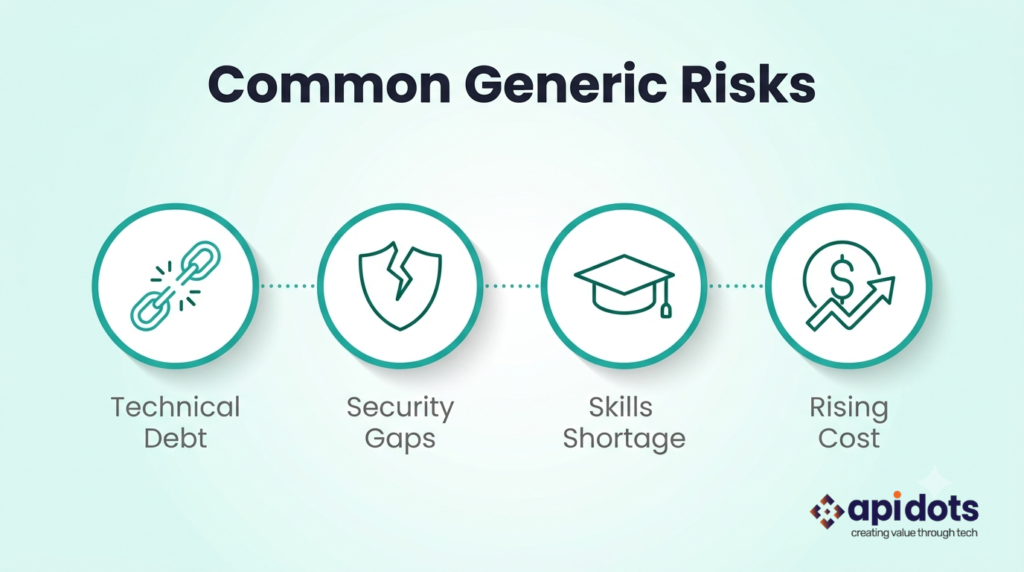
I have seen that most modernization advice focuses on broad risks such as technical debt, security, skills gaps, and cost. Those risks are real, but they are not equally important at every stage.
For example, discovering poor data quality during assessment is manageable. Discovering it a week before migration can delay the entire launch. The same applies to security, application dependencies, user training, and cloud costs. The problem is not only what goes wrong. It is when the business notices it.
That is why modernization should be managed as a sequence of decisions rather than as a single large technical project.
The assessment stage should answer three questions:
If those answers are unclear, the project is not ready to be planned.
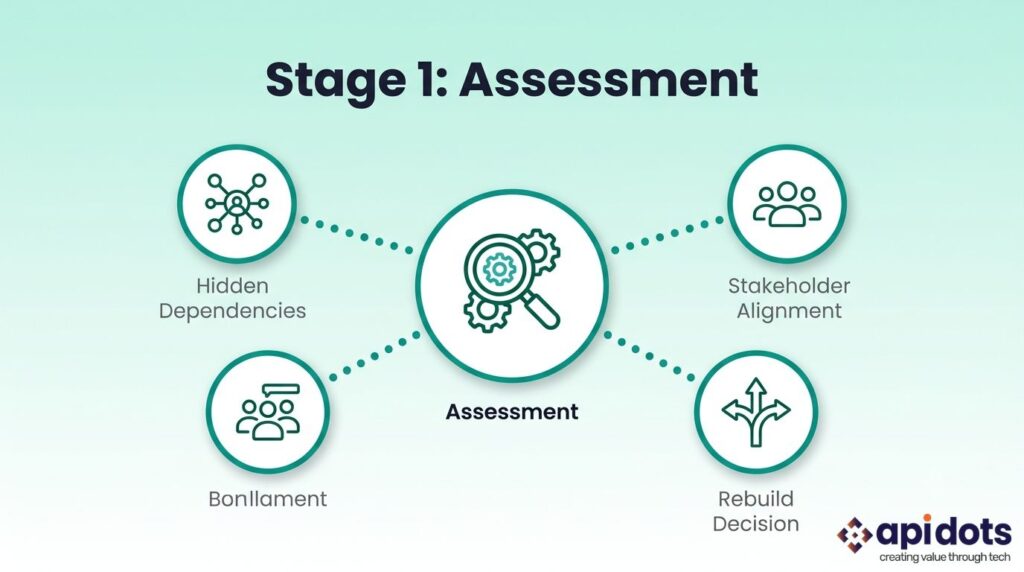
Legacy applications are rarely isolated. They may depend on scheduled jobs, internal APIs, shared databases, manual exports, third-party tools, spreadsheets, or scripts maintained by one employee.
These dependencies are often missing from official documentation. A team may believe it is modernizing one application, only to discover that the system also supports billing, reporting, customer communication, or internal operations.
That discovery changes the scope. The assessment should map the application, its users, its data, its integrations, and the business processes that depend on it. The goal is not perfect documentation. It is avoiding major surprises after development begins.
Different teams often want different things from modernization. Engineering may be focused on cleaning up the architecture, finance may want to reduce infrastructure costs, operations may be looking for fewer outages, and product teams may want to release new features faster. None of these goals are wrong, but they can lead to very different modernization decisions.
For example, a project focused on cutting hosting costs may not need the same approach as one meant to support new digital products. That is why “modernize the application” is too vague to guide the project. The goal should be more specific, whether that means reducing release time, improving reliability, removing unsupported technology, lowering maintenance effort, enabling new integrations, improving the customer experience, or strengthening security and compliance. The technical approach should follow the business goal, not the other way around.
Not every old system needs to be rebuilt. Some applications should remain unchanged. Others may be retired, replaced, rehosted, replatformed, refactored, or rearchitected. A stable internal application with limited strategic value may not justify a full rebuild. A customer-facing platform that blocks growth might.
The decision depends on business value, technical condition, risk, cost, and future relevance. Companies deciding between deeper modernization options can review API DOTS’ guide to replatforming versus rearchitecting.
Do not move into planning if:
Planning turns the assessment into an architecture, a budget, a roadmap, and a delivery model.
This is also where many projects become unrealistic.
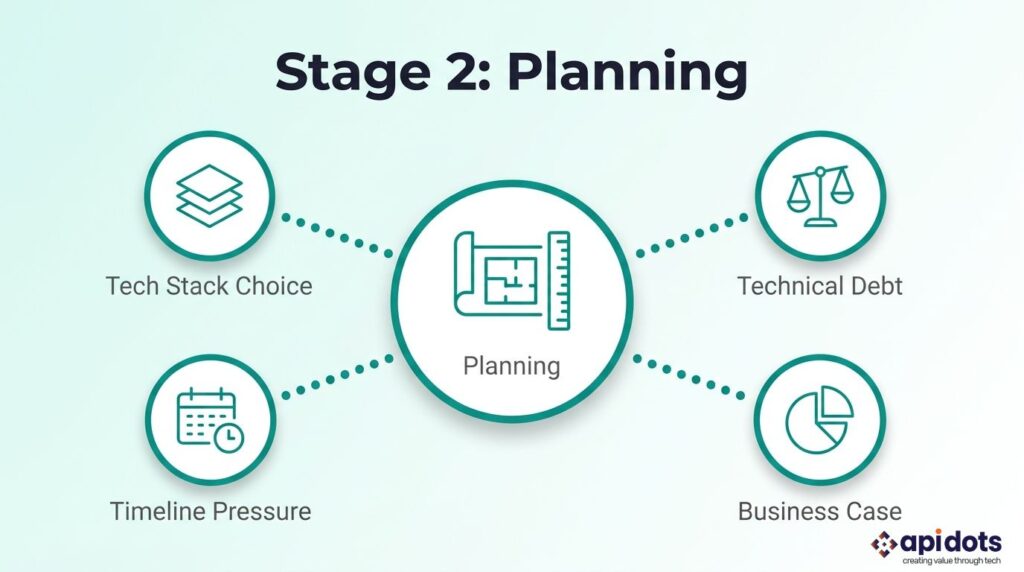
A company may decide early that it needs microservices, Kubernetes, serverless architecture, or a particular cloud platform. That decision may be correct, but it may also introduce more complexity than the organization can handle. Modern architecture requires more than development.
It may also require:
The best architecture is not always the most advanced one. It is the one the organization can run, secure, and improve after the project team leaves.
Modernization often exposes years of accumulated technical debt. Developers may find outdated libraries, tightly coupled code, duplicated logic, weak tests, inconsistent databases, and undocumented integrations.
This work is sometimes treated as an unexpected scope. Usually, it was always part of the project. It simply was not visible during budgeting.
A technical assessment should identify which issues must be fixed now, which can be handled during modernization, and which can wait. The aim is not to create perfect code. It is to remove the debt that creates business, security, or delivery risk.
Modernization projects are often tied to fixed dates. A vendor may be ending support. A contract may be expiring. Leadership may want the system ready before a peak business period.
But a deadline does not reduce complexity. When the launch date is decided before the work is understood, teams usually protect the date by reducing testing, postponing documentation, or moving incomplete components.
The system may launch on time and still create months of operational problems. The roadmap should include discovery, proof-of-concept work, data preparation, integration testing, security reviews, user acceptance testing, training, cutover, and post-launch support.
Modernization ROI is often calculated based solely on infrastructure savings. That misses much of the value.
A modernized application can also affect:
The business case should also include the cost of leaving the application unchanged.
API DOTS explores this in more detail in its guide to the benefits and ROI of legacy modernization.
Do not approve the roadmap if:
Execution is where hidden assumptions become visible. Even strong planning cannot eliminate every surprise, but it should make them manageable. Hidden Dependencies Expand the Scope
Some integrations only run at month-end. Some database fields appear unused but feed executive reports. Some manual exports support critical workflows that were never formally documented.
These discoveries are common. The mistake is allowing every new finding to disrupt the entire project. Each issue should be evaluated based on business impact, customer risk, security, effort, and whether it can be handled later.
The team needs a process for managing scope changes, not a plan built on the assumption that no new information will appear.
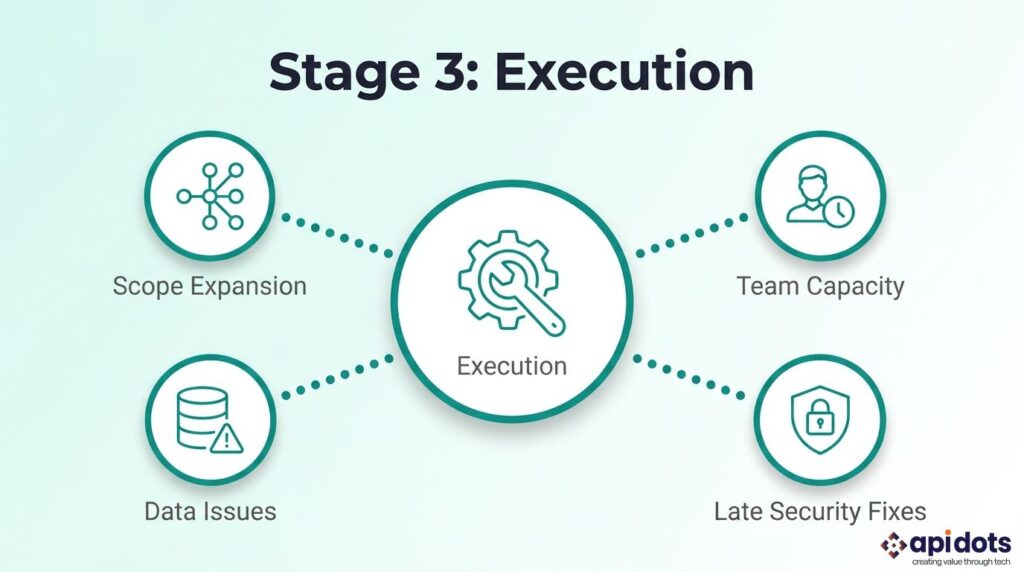
Internal teams are often expected to support the old application while learning the new platform and delivering the migration. That creates an immediate capacity problem.
Production incidents, user requests, and day-to-day maintenance continue while modernization work competes for the same people. The result is predictable: slower delivery, interrupted learning, and exhausted teams.
Businesses should protect modernization capacity through dedicated resources, targeted training, experienced external support, or a phased transition of responsibilities. An external partner should also transfer knowledge. Replacing one dependency with another is not modernization.
Data migration is often treated as a technical transfer. But legacy data may contain duplicates, missing values, inconsistent formats, obsolete fields, and unclear ownership.
These issues become especially dangerous when they are discovered during final testing. Data work should begin early. The business must decide what will be migrated, archived, corrected, deleted, and validated.
Developers can confirm that the transfer worked. Business users must confirm that the information is still accurate and usable.
Security reviews are sometimes scheduled near the end of development. By then, choices regarding authentication, data storage, logging, permissions, and integration have already been made. Late security findings can force the team to redesign important parts of the system.
Security and compliance requirements should be defined during assessment and planning. They should influence the architecture from the beginning rather than being added before launch.
Pause execution if:
A successful launch does not automatically produce a successful modernization program. The system still has to be adopted, operated, improved, and financially controlled.
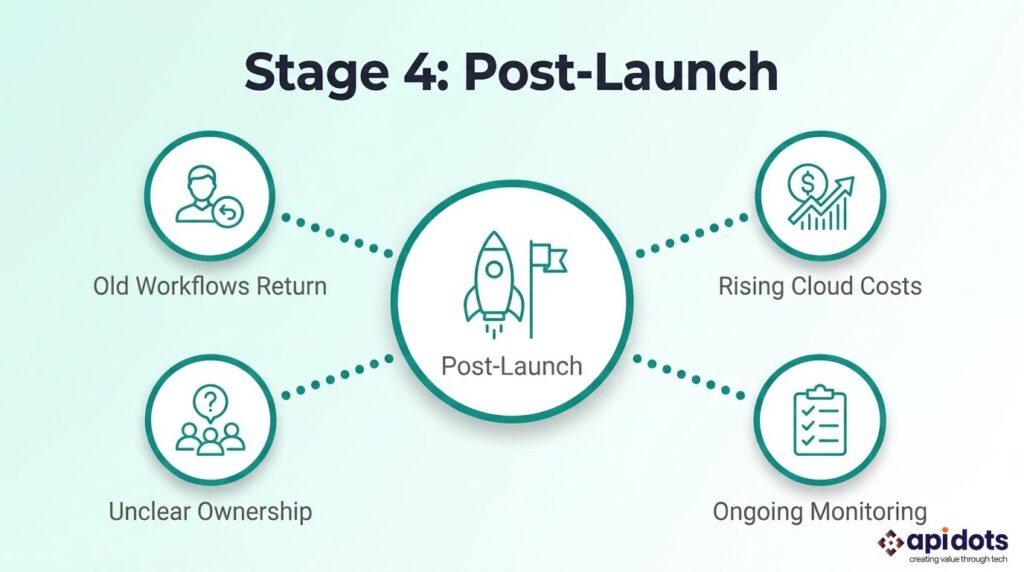
Users may return to spreadsheets, email, manual processes, or the previous system after launch. Sometimes this is simple resistance to change. Sometimes the new system genuinely makes their work harder.
Training should therefore go beyond one product demonstration. Teams need role-specific guidance, clear process ownership, accessible support, and a way to report workflow problems. Adoption should be measured just like performance and uptime.
Cloud migration does not automatically reduce costs. Spending can increase due to overprovisioned resources, unused environments, unnecessary storage, poor pricing decisions, or old and new systems running together for too long. Cloud cost management should begin during design, not after the first unexpected invoice.
Teams should track cost by application, environment, workload, and owner. Finance and engineering need shared visibility into how architectural decisions affect spending.
Modernization teams often focus heavily on reaching launch. Once the system is live, consultants leave, internal staff return to other priorities, and ownership becomes unclear.
Without a long-term owner, the modernized system can begin accumulating the same problems as the legacy one. Someone must be responsible for performance, security updates, cloud costs, incidents, documentation, technical debt, and future improvements.
Modernization should create a sustainable operating capability, not only a newer application.
Do not consider the project complete if:
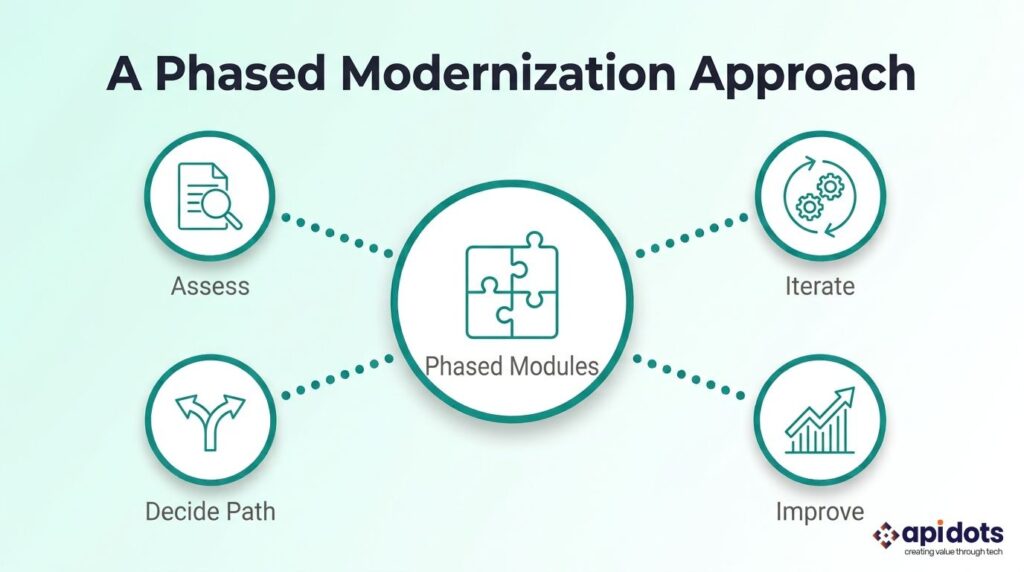
API DOTS begins with the current business system rather than a predetermined technology. That means assessing the application’s architecture, data, integrations, infrastructure, security requirements, operating costs, and role within the business.
From there, the application can be assigned the right modernization path. That may involve retaining, retiring, replacing, rehosting, replatforming, refactoring, rearchitecting, or rebuilding the system. The right choice depends on how much change the business needs and how much risk it can accept. Where possible, API DOTS also uses phased delivery.
Instead of replacing an entire system with a single high-risk launch, modernization can be divided into modules, workflows, user groups, or business capabilities. This allows teams to test assumptions, release value earlier, and reduce disruption. The objective is not simply to move old software into a newer environment. It is to create an application that is easier to maintain, operate, secure, integrate, and improve.
Most application modernization problems begin earlier than they appear.
A data issue found during the cutover usually began during the assessment. A cloud cost problem often starts with an architecture decision.
Poor adoption often began when users were excluded from the planning process. That is why modernization should be managed stage by stage.
Assessment determines what should change. Planning defines how it should change. Execution manages the transition. Post-launch ownership protects the investment.
A successful modernization project should leave the business with more than newer technology. It should create a system that is easier to run, safer to change, and better aligned with the business’s next needs. API DOTS can help assess your legacy application, identify the right modernization path, and create a phased roadmap based on your technical environment and business priorities.
What are the main application modernization challenges?
The most common challenges include hidden dependencies, technical debt, poor data quality, unrealistic timelines, skills gaps, late security requirements, low user adoption, rising cloud costs, and unclear ownership.
Should a legacy application be rebuilt or replaced?
The answer depends on the application’s business value, technical condition, cost, risk, and future role. Applications with valuable custom logic may be modernized, while systems that duplicate available commercial products may be better replaced.
Is cloud migration the same as application modernization?
No. Cloud migration moves an application or workload to a cloud environment. Modernization may also change the architecture, code, database, integrations, deployment process, and operating model.
Can an application be modernized without disrupting users?
Yes. Businesses can reduce disruption through phased releases, parallel environments, feature flags, controlled user rollouts, automated testing, and rollback planning.
What should a modernization assessment include?
It should review the application architecture, codebase, infrastructure, databases, integrations, security, technical debt, operating costs, user workflows, business importance, and future requirements.
We leverage AI, cloud, and next-gen technologies strategically.Helping businesses stay competitive in evolving markets.
Consult Technology Experts
Hi! I’m Aminah Rafaqat, a technical writer, content designer, and editor with an academic background in English Language and Literature. Thanks for taking a moment to get to know me. My work focuses on making complex information clear and accessible for B2B audiences. I’ve written extensively across several industries, including AI, SaaS, e-commerce, digital marketing, fintech, and health & fitness , with AI as the area I explore most deeply. With a foundation in linguistic precision and analytical reading, I bring a blend of technical understanding and strong language skills to every project. Over the years, I’ve collaborated with organizations across different regions, including teams here in the UAE, to create documentation that’s structured, accurate, and genuinely useful. I specialize in technical writing, content design, editing, and producing clear communication across digital and print platforms. At the core of my approach is a simple belief: when information is easy to understand, everything else becomes easier. Reach me at amysbrew.com