
Top
Search
People also search for:

Stay Inspired with Instagram




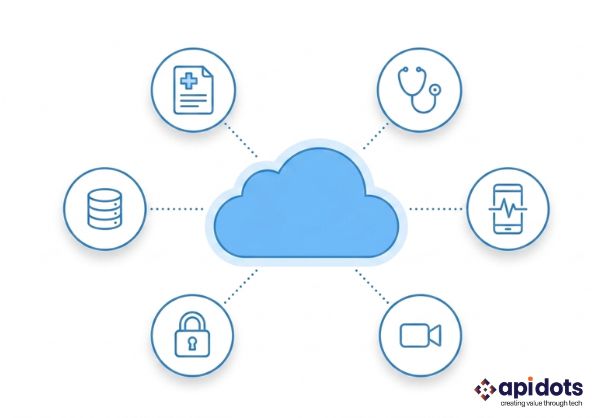
Healthcare organizations once kept most patient data and business systems inside local data centers. Today, the same information moves continuously between electronic health records, patient portals, telehealth apps, laboratories, pharmacies, billing platforms, medical devices, and analytics systems.
The cloud makes this connected environment possible.
It gives healthcare businesses the flexibility to launch new services, support remote access, process growing amounts of data, and scale applications without maintaining every piece of infrastructure themselves.
But it also changes the risk. A cloud outage may prevent a doctor from opening a patient record. A weak access policy may expose protected health information. A poorly secured API may allow someone to reach data that was never intended to leave the organization.
That is why choosing a healthcare cloud provider cannot be reduced to comparing storage prices or asking whether a vendor supports HIPAA.
The right provider should understand how healthcare systems operate when they are busy, under attack, being audited, or recovering from an incident. It should be able to protect sensitive information without making important applications difficult for authorized people to use.
This guide explains how to evaluate a healthcare cloud provider beyond its sales presentation. It covers compliance, security architecture, incident response, integration, scalability, recovery, pricing, and the questions that reveal whether a provider can support your organization over the long term.
Every company wants its systems to remain secure and available. Healthcare organizations face an additional concern: technology failures can affect patient services directly.
If an ordinary reporting platform becomes unavailable, employees may wait and complete the task later.
If a clinical system goes offline, staff may lose access to medical history, prescriptions, diagnostic results, appointment records, or patient communications when they are needed most. Healthcare data also travels through a growing number of connected systems.
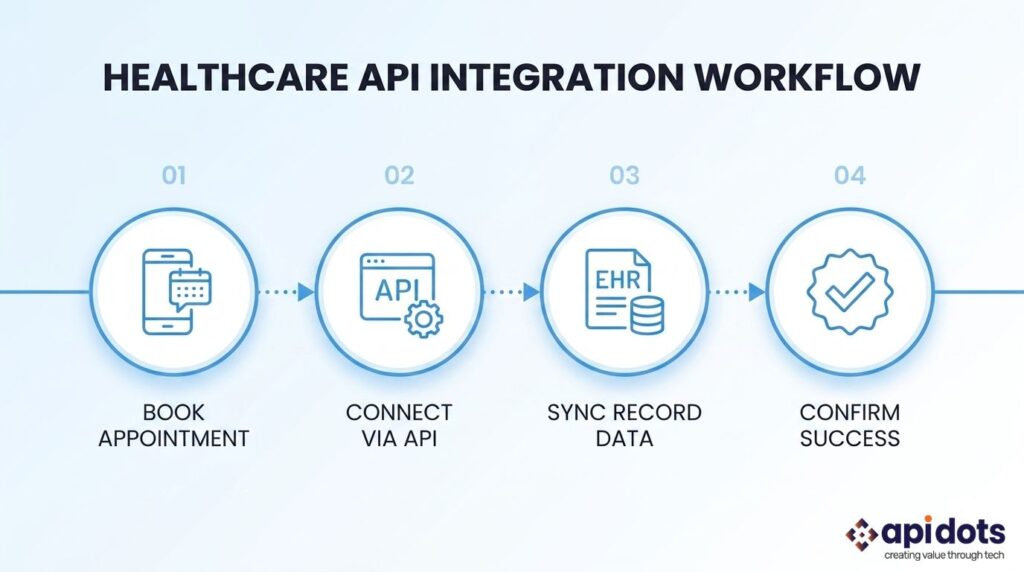
A patient may book an appointment through a mobile app. That request may pass through an API, update a scheduling platform, appear in an EHR, trigger an insurance check, and send a confirmation through another service.
The process appears simple to the patient. Behind it sits a chain of cloud services, identities, integrations, permissions, and data transfers. A weakness in any part of that chain can create a larger problem.
This is why the healthcare cloud provider should not be evaluated as an isolated infrastructure vendor. It must be assessed as part of the complete healthcare environment.
Organizations planning broader modernization should first understand where cloud adoption fits within their hospital transformation roadmap. Moving individual applications without considering data flow and integration can replace old silos with new cloud-based ones.
The first question many organizations ask a provider is, “Are you HIPAA compliant?” It is an important question, but it is not enough.
Compliance does not work like a certificate that transfers automatically from the provider to every application running on its platform.
A cloud company may protect its data centers, physical equipment, networks, and managed services. Your organization may still be responsible for configuring user access, securing APIs, reviewing logs, protecting application code, managing retention, and training employees. This division is usually described as the shared-responsibility model.
A reliable provider should explain that model clearly. It should not create the impression that selecting its platform removes the healthcare organization’s own security and compliance duties.
Depending on where the organization operates, relevant frameworks and requirements may include:
Instead of asking only which standards the provider supports, ask how those standards are applied during day-to-day operations.
For example:
The provider should be able to translate compliance language into actual operational controls.
When a provider handles protected health information on behalf of a healthcare organization, a Business Associate Agreement may be necessary.
The agreement should not be treated as a formality.
It should clearly cover:
One of the most important parts is ownership.
The agreement and service documentation should make it clear who manages encryption keys, backups, identity policies, incident response, application security, and deletion requests.
Vague responsibility becomes a serious problem during an outage or security incident. Each party may assume the other was supposed to handle the control that failed.
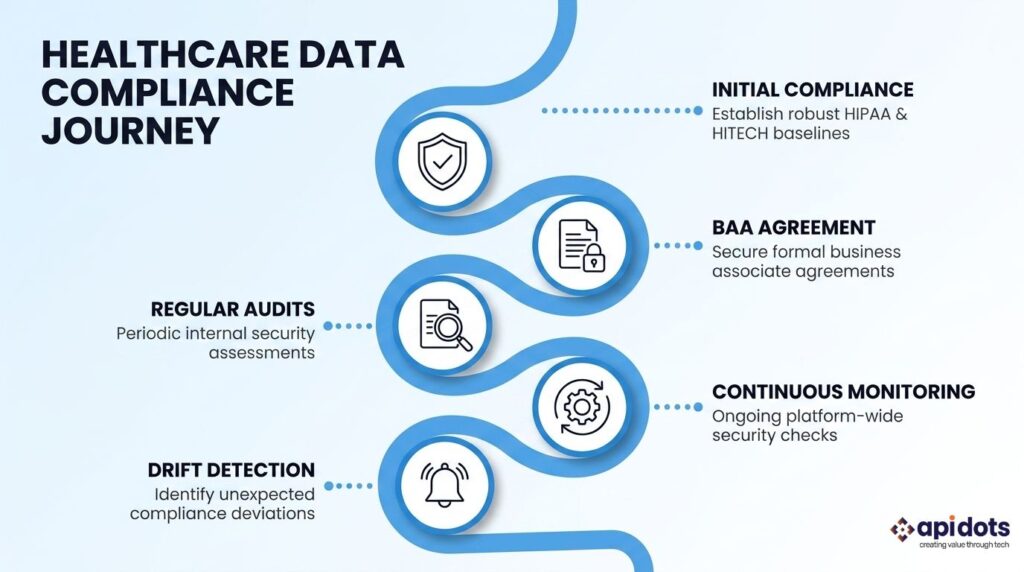
Cloud environments change frequently.
New users are added. Permissions are adjusted. Applications are updated. APIs are introduced. Storage resources are created. Teams may make temporary configuration changes and forget to reverse them.
A once-a-year compliance review cannot identify every risky change.
A mature provider should support continuous monitoring for:
The objective is to detect a weak configuration before it appears in an audit—or becomes useful to an attacker.
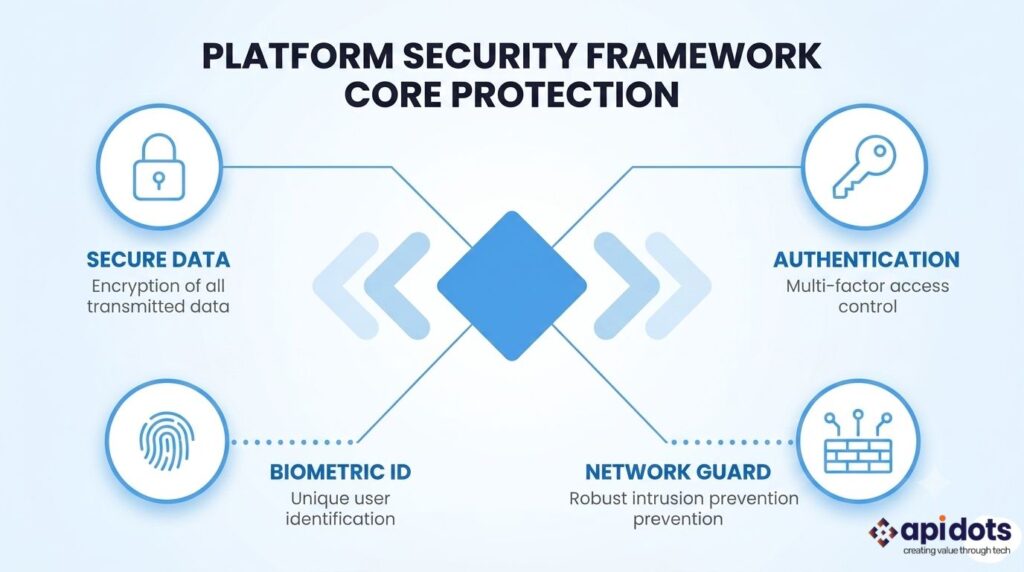
Healthcare cloud security starts with the architecture. A provider may have strong policies, but those policies must be supported by technical controls throughout the environment. This means protecting data when it is stored, transferred, processed, or accessed.
Most providers advertise encryption. The important details sit beneath that statement.
Ask how the provider protects:
You should also understand who controls the encryption keys. Provider-managed keys may be suitable for some applications. Other healthcare organizations may require customer-managed keys so they can define rotation schedules, restrict access, and remove permissions independently.
The choice should reflect the sensitivity of the workload and the organization’s governance requirements.
| Security Area | What To Verify |
| Stored data | Strong encryption for databases, files, and backups |
| Data in transit | Secure transport for internal and external communication |
| Encryption keys | Clear ownership, rotation, storage, and access policies |
| Credentials | Protected storage for passwords, tokens, and API secrets |
| Backups | Encrypted, isolated, and protected from ordinary user accounts |
Many cloud incidents begin with a compromised account or an employee who has more access than necessary. The provider should support more than usernames and passwords.
Look for:
Permissions should reflect the user’s role. A patient, receptionist, doctor, billing employee, application developer, and cloud administrator should not be able to access the same information or perform the same actions.
The same principle applies to software. An application service should only be able to reach the data and systems required for its function.
This follows the logic of zero trust architecture: access is continuously verified rather than trusted simply because the user or request is already on the network.
A healthcare cloud environment should not function as one large open network. Sensitive systems should be separated so that a compromise in one area does not provide an easy route to every other workload.
Ask how the provider supports:
Good segmentation limits how far an attacker can move after gaining initial access.
Modern healthcare applications depend heavily on APIs. FHIR and HL7 interfaces may exchange information between EHRs, patient portals, laboratories, pharmacies, insurers, telehealth platforms, and mobile applications.
That makes APIs one of the most important parts of the security review.
The provider should support:
A successful data exchange is not automatically a secure one.
The provider should help ensure that every API request is authenticated, limited to the correct data, monitored, and traceable.
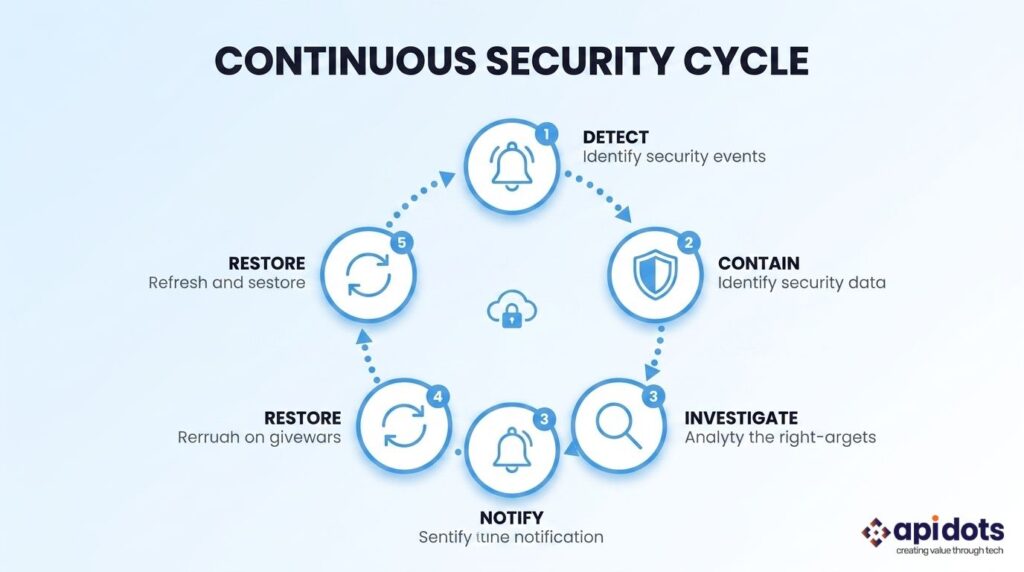
Most vendor presentations focus on prevention. Healthcare organizations must also ask what happens when prevention fails.
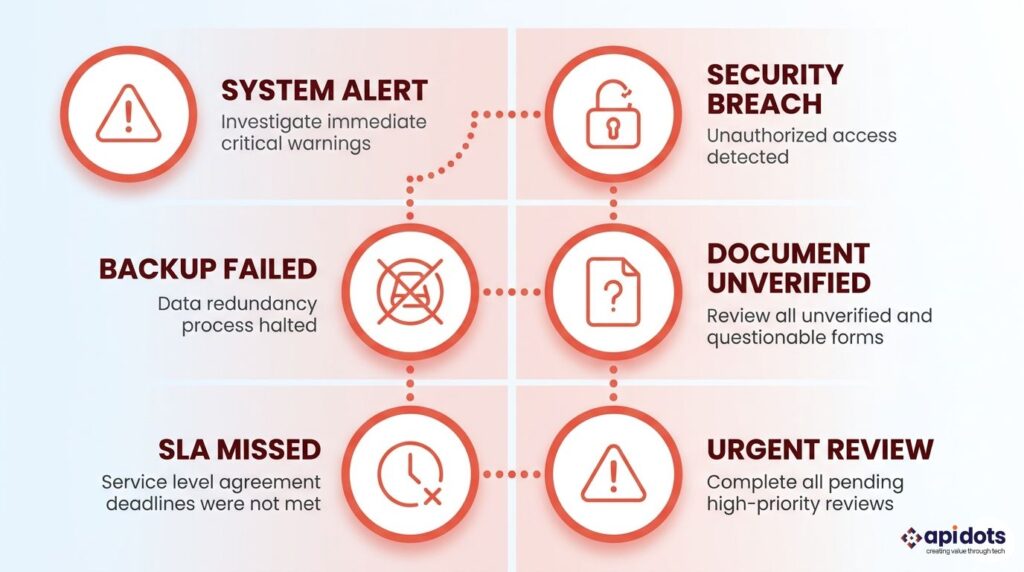
Credentials may be stolen. An application may contain a vulnerability. A storage resource may be exposed. Ransomware may reach a workload. A cloud region may suffer a service interruption. The provider’s reliability becomes most evident during these events.
Cloud systems generate enormous volumes of activity. The provider should be able to monitor user access, API traffic, administrative changes, workload behavior, malware alerts, backup activity, and authentication attempts.
Ask whether it provides:
The presence of tools is not enough.
Find out who responds when an alert appears and how quickly the issue reaches someone capable of investigating it.
A provider should be able to explain its response process without relying on vague promises.
Ask:
A strong response should describe roles, timelines, communication channels, and technical steps.
Clear answers matter more than polished assurances.
Healthcare organizations are attractive ransomware targets because operational pressure can make downtime extremely costly. Backups are central to recovery, but merely having backups is not enough.
Attackers may attempt to delete, encrypt, or corrupt them before disrupting the production system. The provider should support:
The most valuable question is not “Do you take backups?”
It is “When did you last restore the system successfully from those backups?”
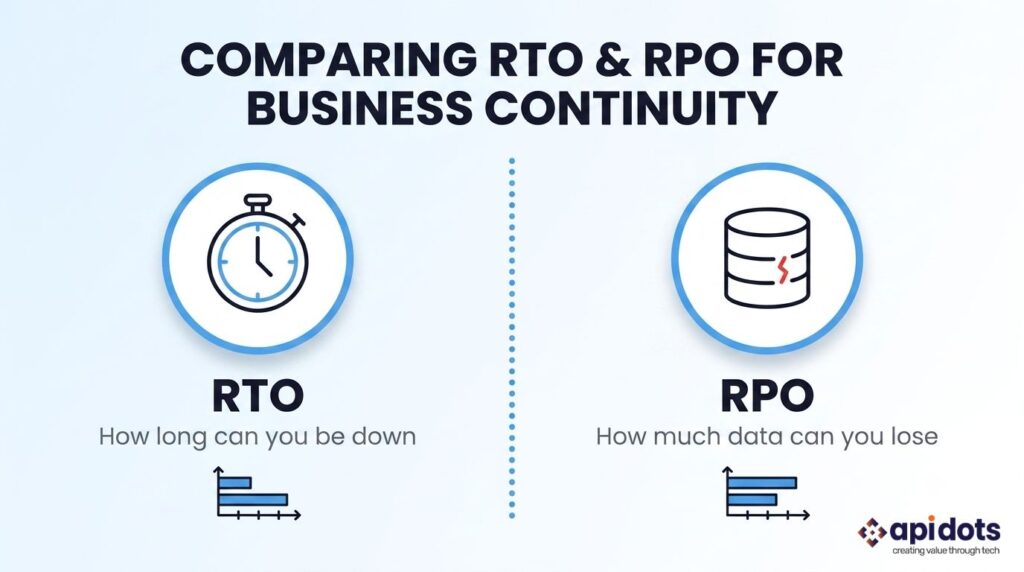
Healthcare organizations should agree on recovery expectations before an incident occurs.
For example, a four-hour RPO may mean the organization could lose up to four hours of data following a major failure. Different systems may need different targets.
A marketing website may tolerate a longer recovery time. A clinical records platform, appointment system, or remote monitoring service may require much faster restoration.
| Recovery measure | Business meaning |
| RTO | How long the service can remain unavailable |
| RPO | How much recent data may be lost |
| Uptime SLA | The provider’s formal availability commitment |
| Support SLA | How quickly the provider must respond |
| Restore test | Evidence that the recovery process works |
The provider should help translate these technical targets into operational consequences.
A healthcare cloud platform rarely works alone. It must connect to existing applications, support growing data volumes, and provide internal teams with sufficient visibility into what is happening.
A provider that performs well during the first deployment may still become a poor fit as the organization expands.
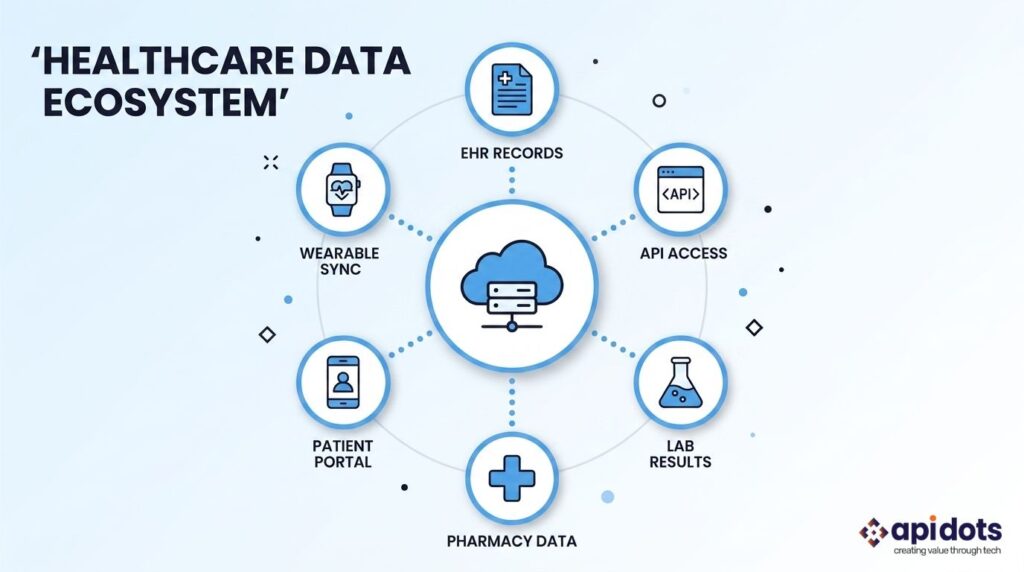
Ask whether the provider has worked with the kinds of systems your organization uses.
These may include:
General cloud experience is valuable, but healthcare integrations introduce additional concerns around data structure, identity, consent, access, and availability. A provider unfamiliar with these workflows may underestimate the work required to connect them securely.
A wider understanding of healthcare software solutions can also help organizations decide which applications should be integrated, modernized, replaced, or kept in their current form.
Healthcare demand may not grow in a predictable line. A telehealth service may experience sudden traffic. A patient portal may become busy when test results are released. Imaging and remote-monitoring systems may create rapidly expanding storage needs.
Ask how the environment handles:
The provider should be able to scale the environment without forcing the organization to redesign every application.
However, technical scalability should be matched by cost control. An architecture that scales automatically but produces unpredictable bills can create a different kind of operational risk.
Internal teams should not become blind after moving to the cloud.
They should be able to see:
Without this visibility, the organization becomes dependent on the provider to explain every issue. Strong providers make information available through dashboards, logs, alerts, reports, and regular service reviews.
Many healthcare organizations do not move everything to one cloud. They may use one provider for an EHR-related workload, another for analytics, and local infrastructure for older systems that cannot yet be migrated.
This hybrid environment requires consistent governance.
Ask how the provider manages:
The provider should reduce fragmentation rather than add another disconnected management layer.
Sales presentations show how the provider wants to be seen. A proper vendor assessment shows how it performs under pressure.
The evaluation should involve technology, security, compliance, operations, finance, and legal stakeholders. Each team sees risks that others may overlook.
Instead of asking whether the provider offers reliable recovery, ask for the results of its latest recovery exercise.
Instead of asking whether it supports healthcare compliance, ask which controls are automated and which require your team to take action.
Useful questions include:
A mature provider should be comfortable discussing limitations as well as capabilities.
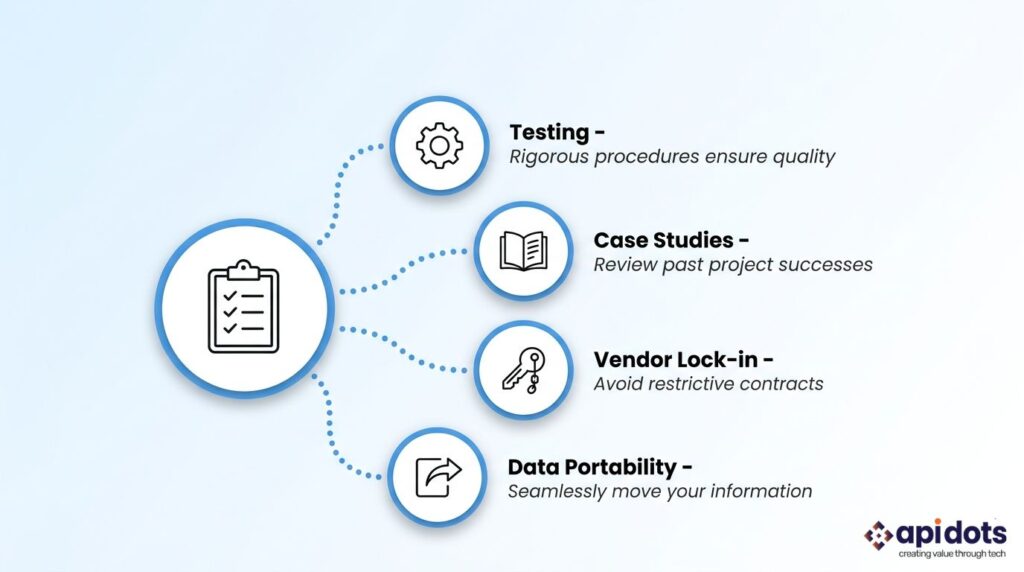
Ask how frequently the provider tests its own environment and the systems it manages.
Testing may include:
You should understand what is tested, how frequently it is tested, and how quickly serious findings are corrected.
Request examples of work involving organizations with similar data sensitivity, integration needs, availability requirements, or operational scale. A useful case study should explain:
Be cautious when case studies describe only the client’s industry and use broad claims without showing what the provider actually did.
Cloud services can become deeply connected to an application over time. That may improve performance and reduce development work, but it may also make the system difficult to move.
Ask:
Vendor dependence is not always avoidable. It should, however, be deliberately understood and accepted.
| Evaluation area | What a reliable provider should demonstrate |
| Compliance | Practical knowledge of healthcare requirements and shared responsibilities |
| BAA | Clear terms covering PHI use, incidents, subcontractors, and contract termination |
| Encryption | Protection for stored, transferred, processed, and backed-up data |
| Access control | MFA, role-based permissions, privileged access controls, and full logging |
| API security | Authentication, gateway protection, rate limits, validation, and monitoring |
| Monitoring | Continuous visibility across users, workloads, integrations, and configurations |
| Incident response | Defined roles, escalation timelines, containment, and investigation support |
| Recovery | Tested backups, agreed RTO and RPO, and regional failure planning |
| Integrations | Experience with EHRs, FHIR, HL7, portals, billing, and healthcare data flows |
| Scalability | Capacity to support growth without uncontrolled cost or major redesign |
| Pricing | Transparent estimates covering storage, traffic, support, monitoring, and backups |
| Exit support | Data portability, deletion procedures, and documented migration assistance |
Some provider weaknesses are visible before the contract is signed.
The monthly cost of servers and storage is only one part of healthcare cloud spending.
The complete cost may include:
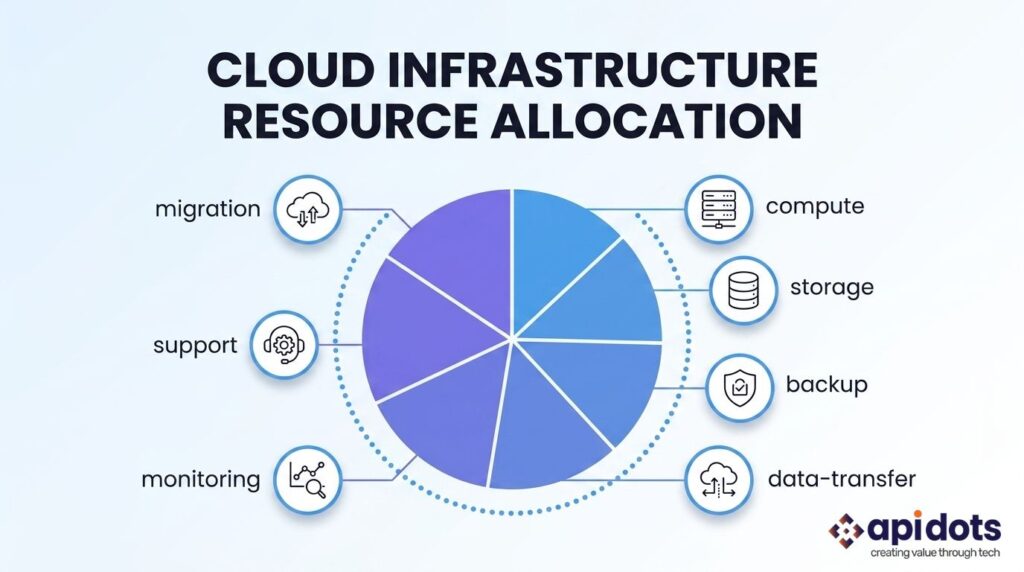
Ask the provider to create a cost model based on realistic usage.
That model should account for growth, peak demand, backup storage, support requirements, and disaster recovery—not only the first month of operation.
A lower starting price may become expensive if the organization must add separate monitoring tools, hire more internal staff, or pay high data-transfer charges later.
The correct question is not “Which provider is cheapest?”
It is “Which option offers the best balance of reliability, security, control, and long-term operating cost?”
Selecting a provider is only one part of a successful healthcare cloud project.
The applications running on that infrastructure must also be designed, integrated, secured, tested, and maintained correctly.
API DOTS helps healthcare organizations and health technology businesses with:
Our approach starts with the healthcare workflow rather than the cloud product.
We assess what information the system handles, who needs access, which applications must connect, what happens during downtime, and how the environment will be maintained after launch.
Well-designed healthcare DevOps processes can then help teams release updates, apply security controls, and produce compliance evidence without turning every software change into a manual project.
The objective is not merely to move existing software from one hosting environment to another.
It is to create a healthcare technology environment that is safer to operate, easier to scale, more resilient during failure, and ready to support future services.
Choosing a reliable healthcare cloud provider is not simply a matter of comparing infrastructure features.
The provider may become responsible for systems that clinicians, administrators, patients, and partners depend on every day. Its decisions can affect data protection, application availability, recovery speed, compliance readiness, and the organization’s ability to introduce new services. Look beyond certifications and marketing claims.
Examine how the provider controls access, protects APIs, manages encryption, monitors threats, restores backups, supports healthcare integrations, explains costs, and helps customers leave when necessary. Most importantly, ask how it performs when normal operations stop.
A reliable healthcare cloud provider will not claim that risk disappears after migration. It will explain where the risks remain, which controls address them, and how it will work with your organization to protect sensitive health information over the long term.
What is a healthcare cloud provider?
A healthcare cloud provider offers infrastructure, platforms, or managed services used to run healthcare applications and store related data. Its services may include computing, databases, storage, security controls, monitoring, backups, and disaster recovery.
Is every major cloud provider suitable for healthcare?
Not automatically. A provider may offer healthcare-ready services, but the organization must still verify which services can process protected information, how they must be configured, and which responsibilities remain with the customer.
Does a HIPAA-supporting provider make my application compliant?
No. Compliance depends on the provider, application design, cloud configuration, access rules, internal procedures, workforce practices, and third-party integrations. Selecting an eligible platform is only one part of the process.
What is a Business Associate Agreement?
A Business Associate Agreement defines how a service provider may handle protected health information. It normally covers safeguards, incident reporting, permitted use, subcontractors, data return, and deletion.
What is the difference between RTO and RPO?
RTO describes how quickly a service should be restored after an interruption. RPO describes how much recent data the organization can afford to lose. Both should be defined according to the importance of the system.
How should healthcare organizations evaluate backups?
They should review backup frequency, encryption, isolation, retention, geographic separation, access controls, and restoration testing. The provider should be able to show that the recovery process has been tested successfully.
What healthcare integrations should a cloud provider support?
The required integrations depend on the organization but may include EHRs, EMRs, FHIR APIs, HL7 interfaces, laboratory systems, pharmacies, claims platforms, patient portals, telehealth applications, and medical devices.
Should a healthcare organization use public, private, or hybrid cloud?
The answer depends on its applications, existing infrastructure, data-residency rules, budget, technical capabilities, and risk requirements. Many healthcare organizations use a hybrid approach because older and newer systems often need to operate together.
How can healthcare organizations reduce vendor lock-in?
They can use documented APIs, portable data formats, containerized applications, infrastructure as code, clear data-export procedures, and contractual migration support. Provider-specific services should be selected only after their benefits and exit implications are understood.
How long does a healthcare cloud migration take?
The timeline depends on the number of applications, data volume, integrations, security requirements, testing, and acceptable downtime. A focused application may move relatively quickly, while a connected healthcare environment may require a phased migration.
We leverage AI, cloud, and next-gen technologies strategically.Helping businesses stay competitive in evolving markets.
Consult Technology Experts
Hi! I’m Aminah Rafaqat, a technical writer, content designer, and editor with an academic background in English Language and Literature. Thanks for taking a moment to get to know me. My work focuses on making complex information clear and accessible for B2B audiences. I’ve written extensively across several industries, including AI, SaaS, e-commerce, digital marketing, fintech, and health & fitness , with AI as the area I explore most deeply. With a foundation in linguistic precision and analytical reading, I bring a blend of technical understanding and strong language skills to every project. Over the years, I’ve collaborated with organizations across different regions, including teams here in the UAE, to create documentation that’s structured, accurate, and genuinely useful. I specialize in technical writing, content design, editing, and producing clear communication across digital and print platforms. At the core of my approach is a simple belief: when information is easy to understand, everything else becomes easier. Reach me at amysbrew.com